
Description
Master Excel Beyond the Basics and Transform the Way You Work With Data
Unlock the full power of Microsoft Excel with our Advanced Microsoft Excel Training designed for professionals, business users, analysts, managers, researchers, and anyone who wants to move from basic spreadsheet usage to advanced data analysis and automation.
This practical, hands-on course equips you with advanced Excel skills to analyze complex datasets, automate repetitive tasks, build dynamic reports, and make better data-driven decisions.
Whether you work in business, finance, monitoring & evaluation, research, health programs, administration, or management, this training will help you become more productive and efficient.
Course Overview
Microsoft Excel is more than just rows and columns. Modern organizations rely on advanced Excel capabilities for reporting, analytics, forecasting, dashboards, and decision-making.
This Advanced Microsoft Excel Training covers powerful tools and techniques including advanced formulas, data analysis, PivotTables, Power Pivot, dynamic arrays, automation using VBA, and professional reporting techniques.
By the end of the training, participants will confidently handle complex datasets and create professional-grade Excel solutions.
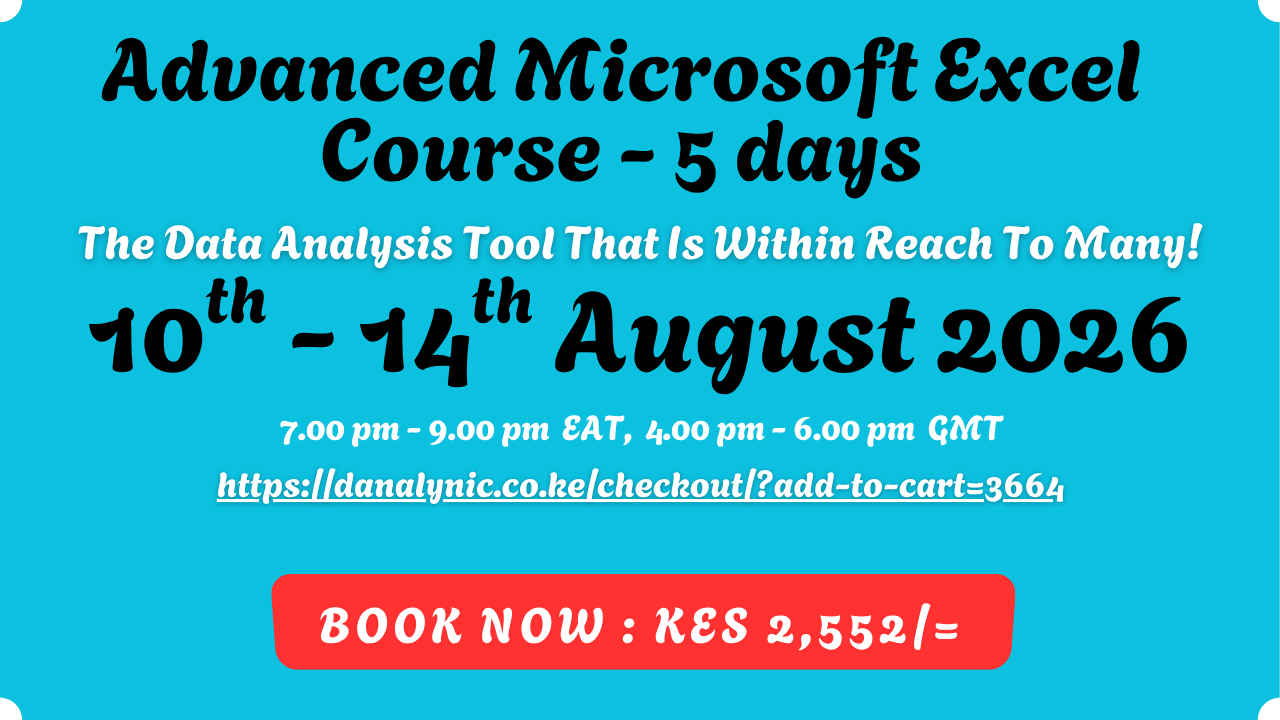
Course Name: Advanced Microsoft Excel Training
Mode: Live Virtual Training (Zoom)
Duration: 5 Days
Training Dates: 📅 10th – 14th August 2026
Training Time: 🕖 7:00 PM – 9:00 PM EAT
Trainer: Danalynic Limited
What You Will Learn
1. Advanced Excel Functions & Formula Techniques
- Advanced logical functions:
- IF, IFS, AND, OR
- Nested formulas
- SWITCH function
- Advanced lookup functions:
- XLOOKUP
- INDEX & MATCH
- XMATCH
- Text manipulation functions:
- TEXTJOIN
- LEFT, RIGHT, MID
- FIND & SEARCH
- Date and time analysis:
- DATEIF
- NETWORKDAYS
- WORKDAY
- Dynamic array formulas:
- FILTER
- SORT
- UNIQUE
- SEQUENCE
- Error handling:
- IFERROR
- IFNA
2. Advanced Data Analysis Using PivotTables
- Creating advanced PivotTables
- Multiple-level data analysis
- Calculated fields and calculated items
- PivotCharts
- Slicers and timelines
- Building interactive reports
- Data summarization techniques
3. Power Query for Data Transformation
- Importing data from different sources
- Cleaning and transforming datasets
- Removing duplicates
- Combining multiple files
- Automating data preparation workflows
- Creating repeatable data processes
4. Power Pivot & Data Modeling
- Introduction to Data Models
- Creating table relationships
- Working with large datasets
- Introduction to DAX formulas
- Creating calculated columns and measures
- Building advanced analytical models
5. Dashboard Development & Data Visualization
Learn how to create professional dashboards using:
- Charts and graphs
- Interactive filters
- KPI indicators
- Conditional formatting
- Dynamic reporting tools
- Executive-level dashboards
6. Excel Automation Using VBA
- Introduction to Macros
- Recording and editing macros
- Understanding VBA environment
- Automating repetitive tasks
- Creating simple Excel automation solutions
7. Advanced Reporting Techniques
- Creating management reports
- Designing professional templates
- Data validation techniques
- Protecting worksheets and workbooks
- Best practices for Excel reporting
Who Should Attend?
This course is ideal for:
✅ Data Analysts
✅ Monitoring & Evaluation Officers
✅ Finance Professionals
✅ Business Managers
✅ Researchers
✅ Project Officers
✅ Health Information Officers
✅ Administrators
✅ Entrepreneurs
✅ Professionals seeking career growth through data skills
Training Package Includes
✔ Live instructor-led sessions
✔ Practical exercises and real-world datasets
✔ Course notes and reference materials
✔ Excel templates and exercises
✔ Certificate of Completion
✔ Post-training support
Why Choose Danalynic Limited?
At Danalynic Limited, we focus on practical digital skills that help professionals and organizations improve productivity, reporting, and decision-making.
Our training combines real-world business applications with hands-on exercises to ensure participants gain skills they can immediately apply at work.
Building Brand. Driving Growth.
Reviews
There are no reviews yet.